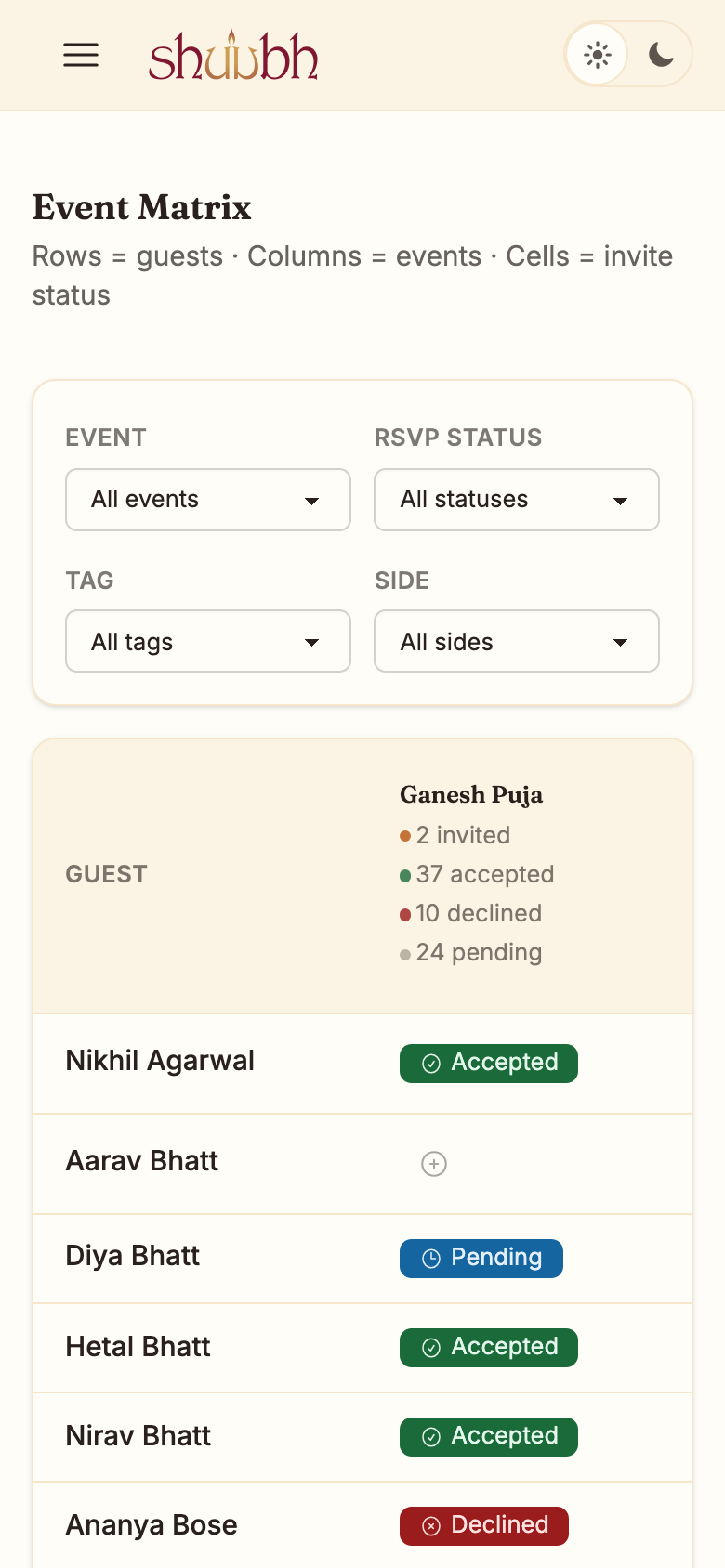
Every guest, every event, one grid.
See who is coming to the Mehendi, the Sangeet and the reception, live, in one view.
Why the spreadsheet breaks at four events.
One tab per event means five copies of the same guest and no single answer to who is coming tonight.
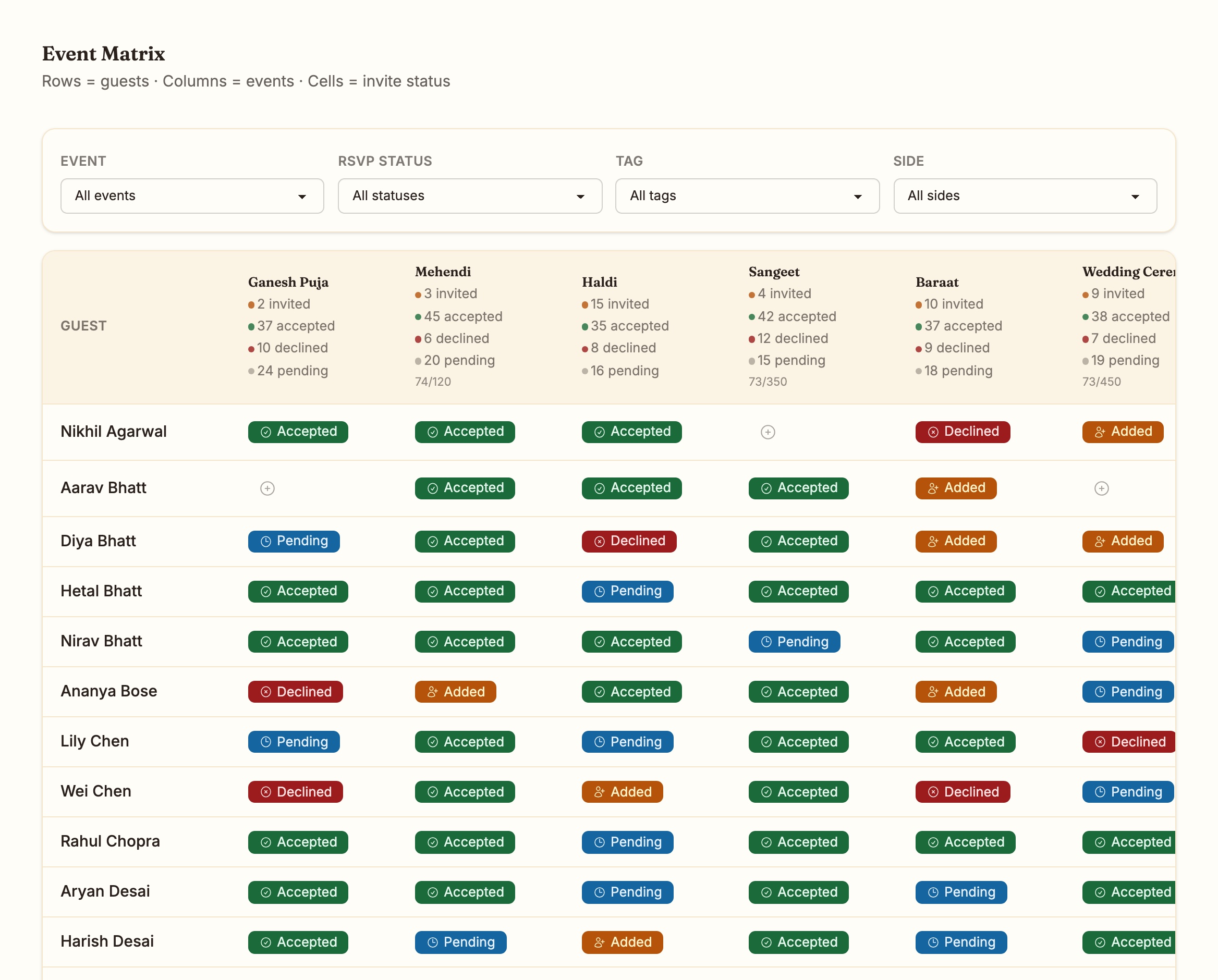
The matrix keeps one row per guest and one column per event. Every cell is that guest's status for that event: added, pending, accepted or declined.
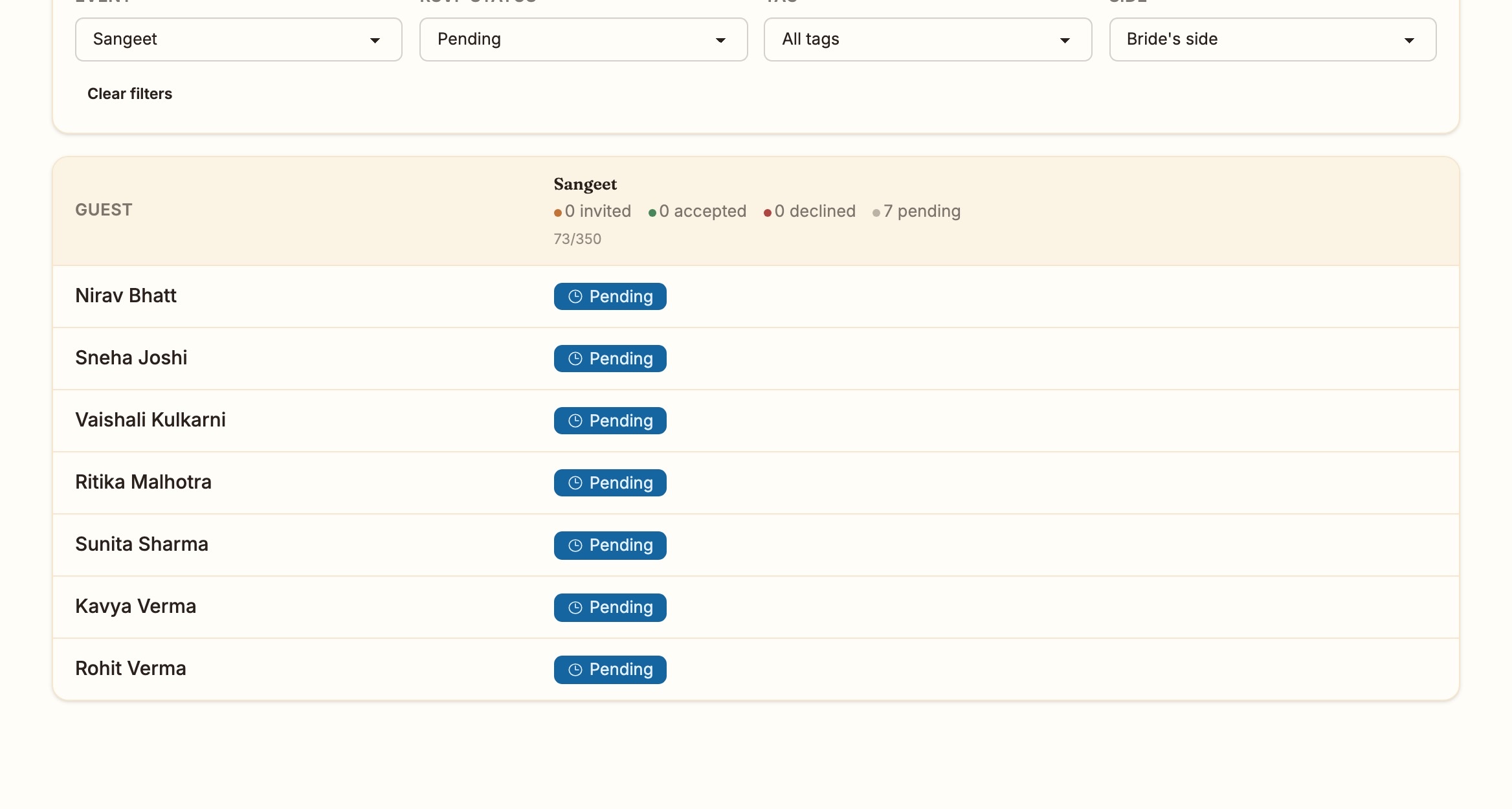
Filter to the question you are actually asking.
Event, RSVP status, tag and side. Ask for the bride's side, Sangeet, still pending, and get the seven names to call.
Each column header keeps the invited, accepted, declined and pending counts for that event, and the room's capacity next to them.
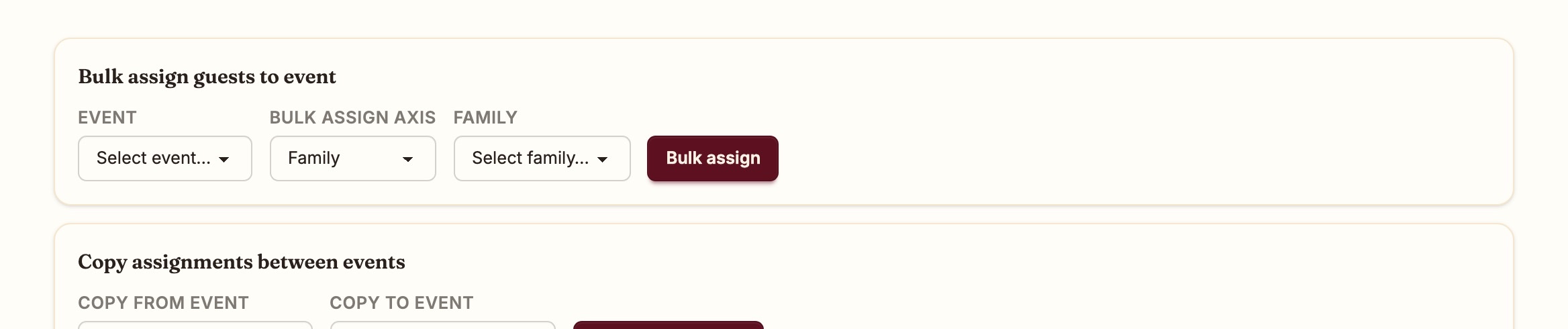
Assign in bulk. Copy between events.
Invite a whole family to the Haldi in one step. When the reception list is the ceremony list plus cousins, copy the assignments and add the cousins.
Every change lands in the grid the moment it is made, for everyone who is looking at it.
The same grid at the venue.
On a phone the matrix shows one event at a time, so you can check a name at the door without scrolling sideways.