A run of show for every function.
Minute by minute, per event, with the parts your guests need published to them.
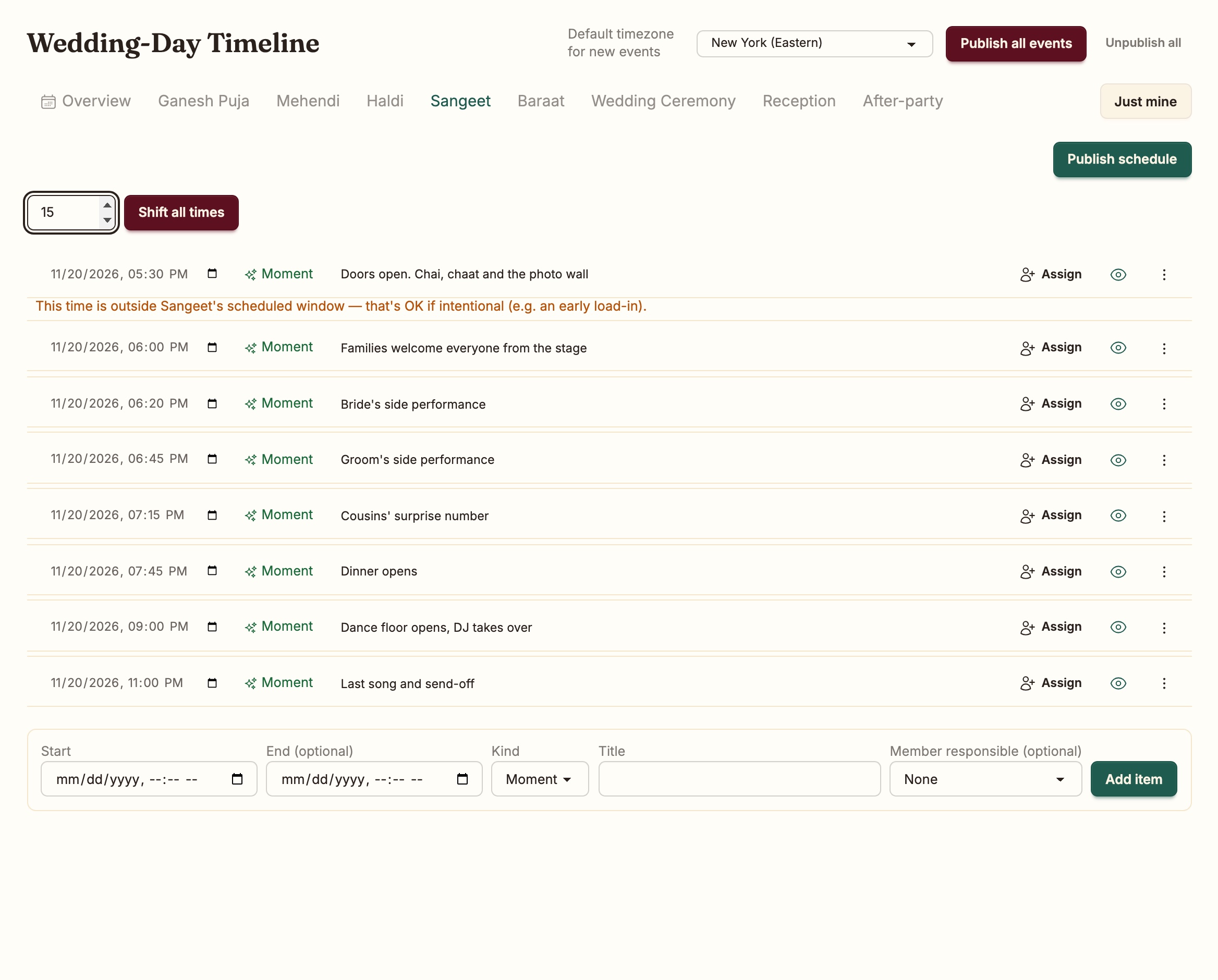
Minute-level, per event.
A tab per function. Add a moment, reorder within the same minute, and when the baraat runs late, shift every item by fifteen minutes in one move.
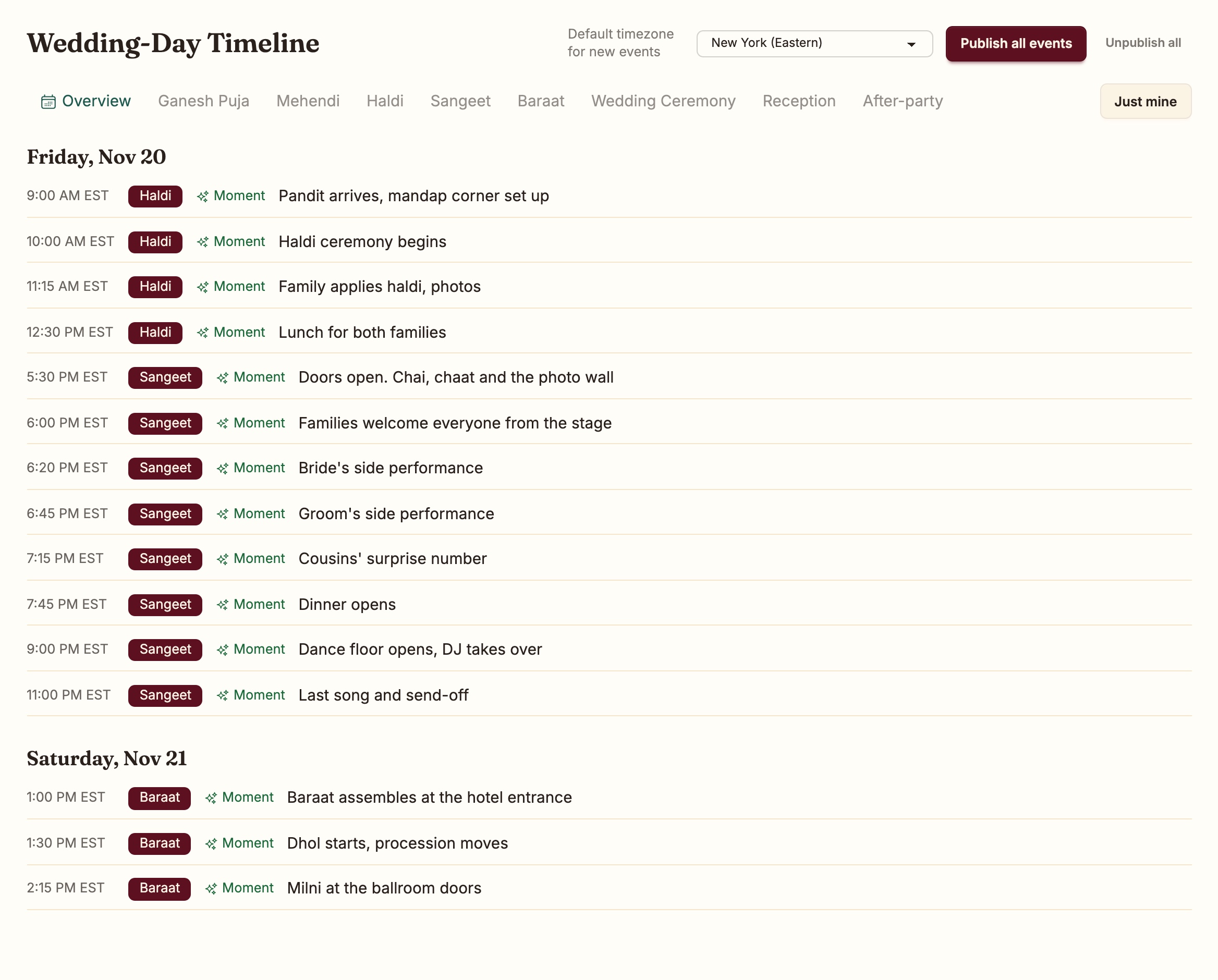
The overview lays the whole weekend out by day, across events.
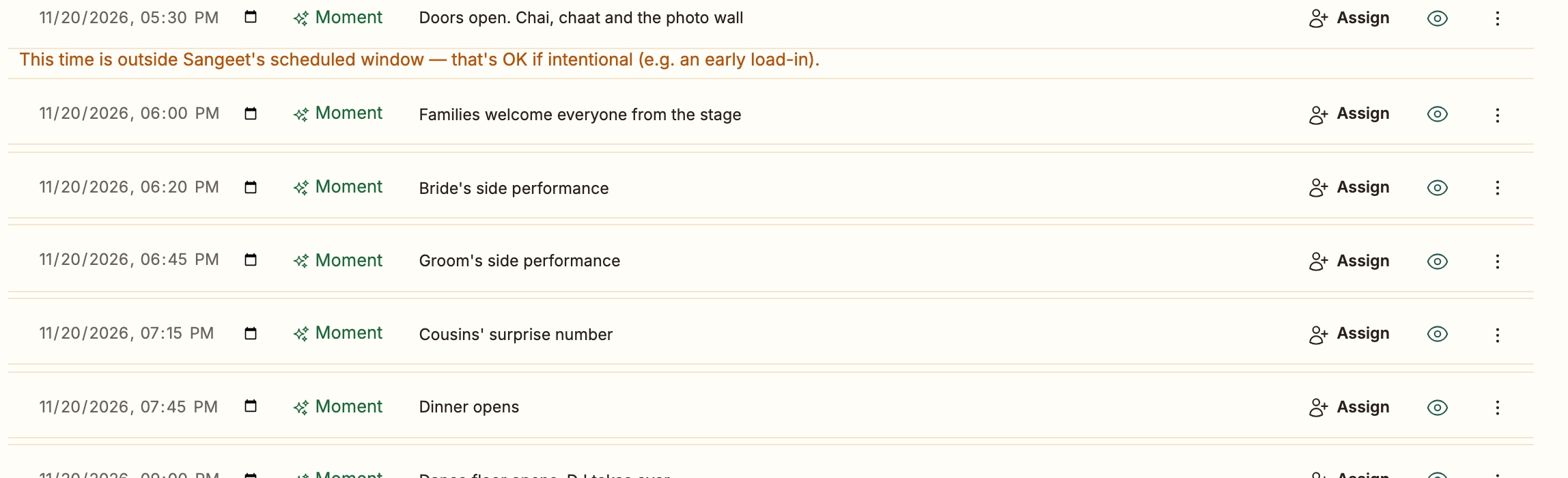
Who is responsible.
Assign each item to a team member, or type a name. The Just mine filter turns the master timeline into one person's list for the day.
Publish what guests should see. Keep what they should not.
Publish per event or for the whole wedding. Internal notes never leave the workspace, and a guest's schedule shows only the events they are invited to.
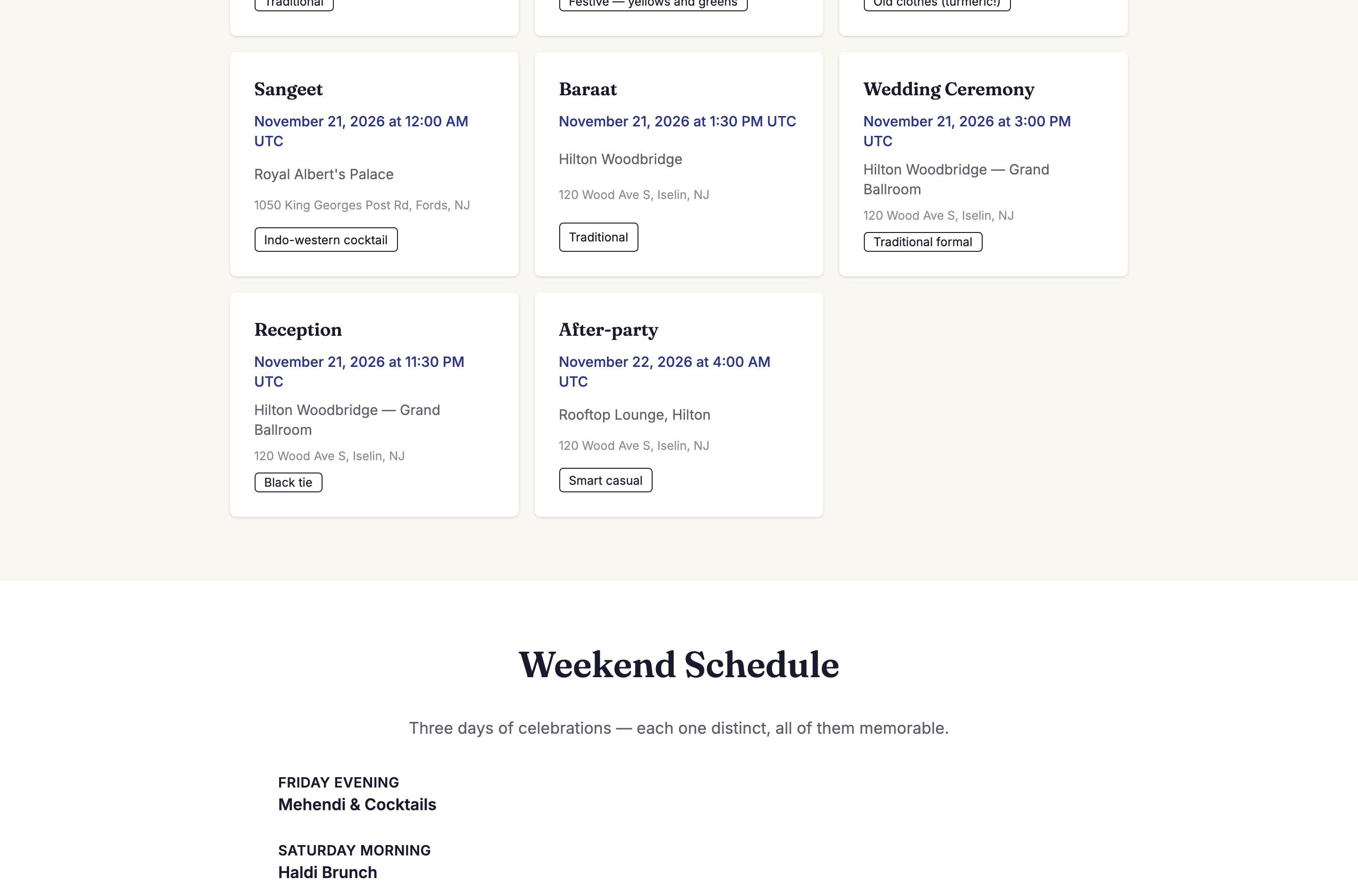
Time zones done properly.
Times are stored in UTC and shown in the venue's local time, tested across a daylight-saving boundary. The Toronto cousin and the Edison aunt see the same 6 p.m.
