Reach the right guests for the right event.
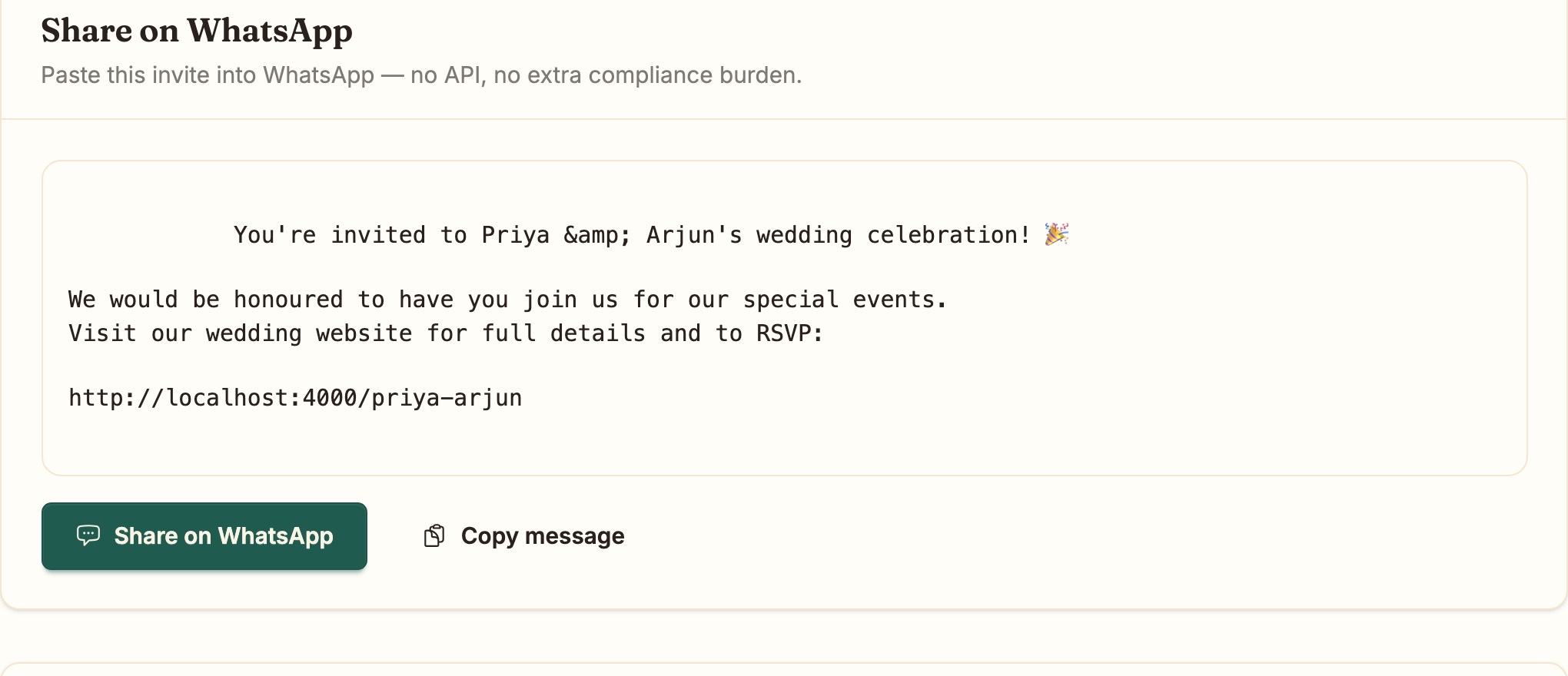
Segment by event, RSVP status, side, family or tag. Email the 23 who have not replied, not all 74.
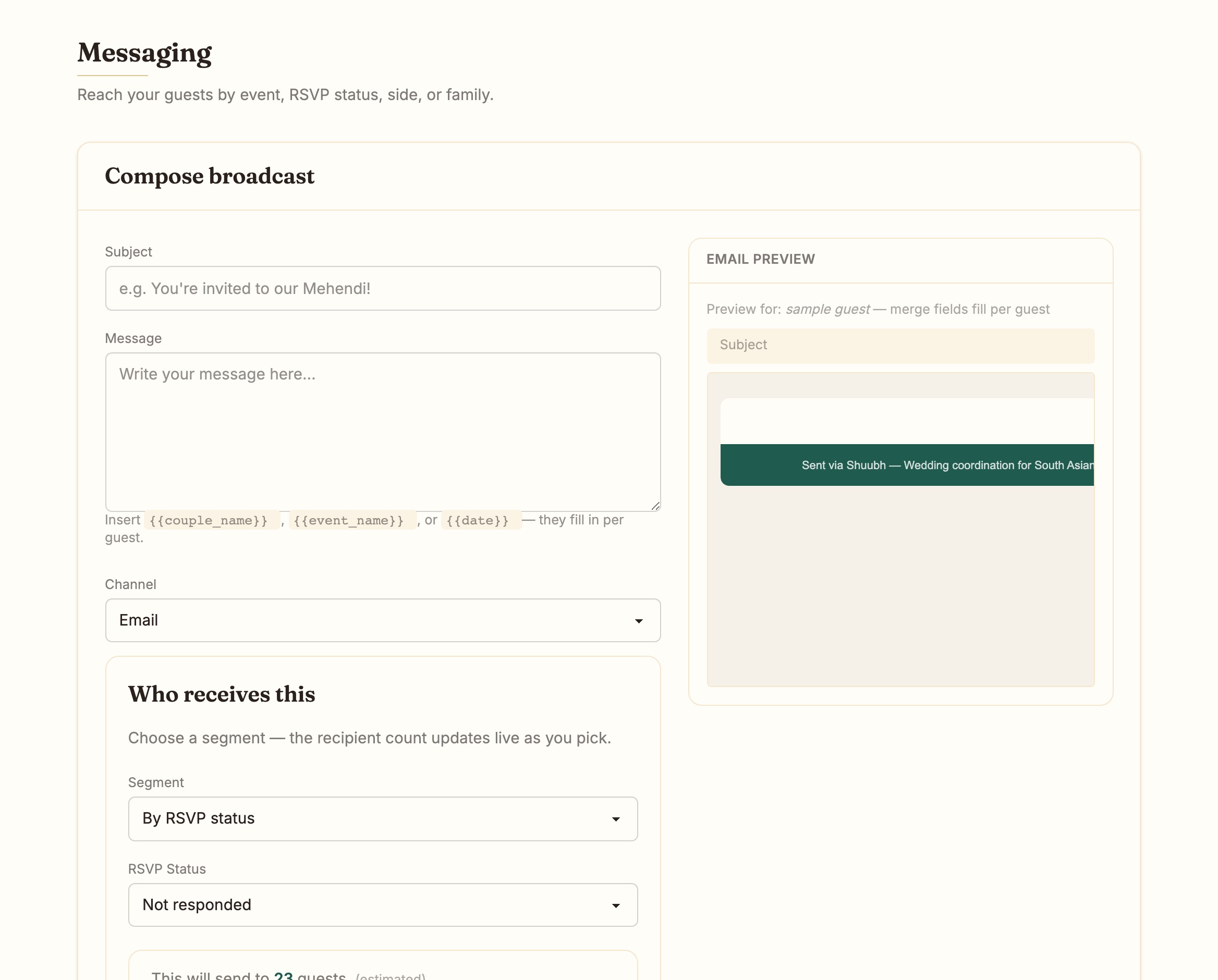
The Send hub.
Five steps: what, audience, content, review, schedule. Send now or at a set time.
Delivery and opens are tracked per household, live, as they happen.
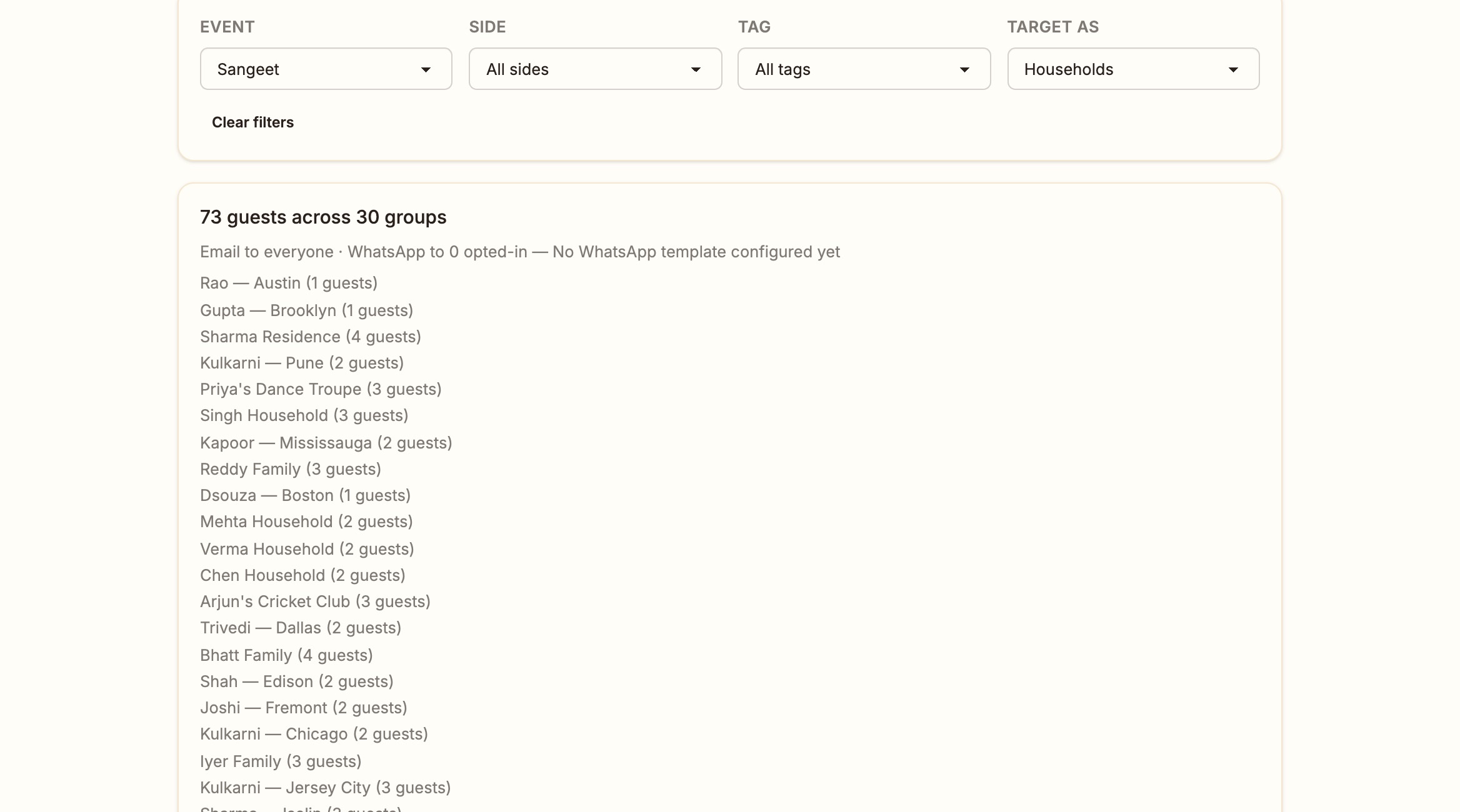
Reminders that send themselves.
A confirmation after each RSVP. Reminders one day and seven days before your cutoff, only to households that have not answered.
Each sequence has its own switch, and every send is written to an audit log.
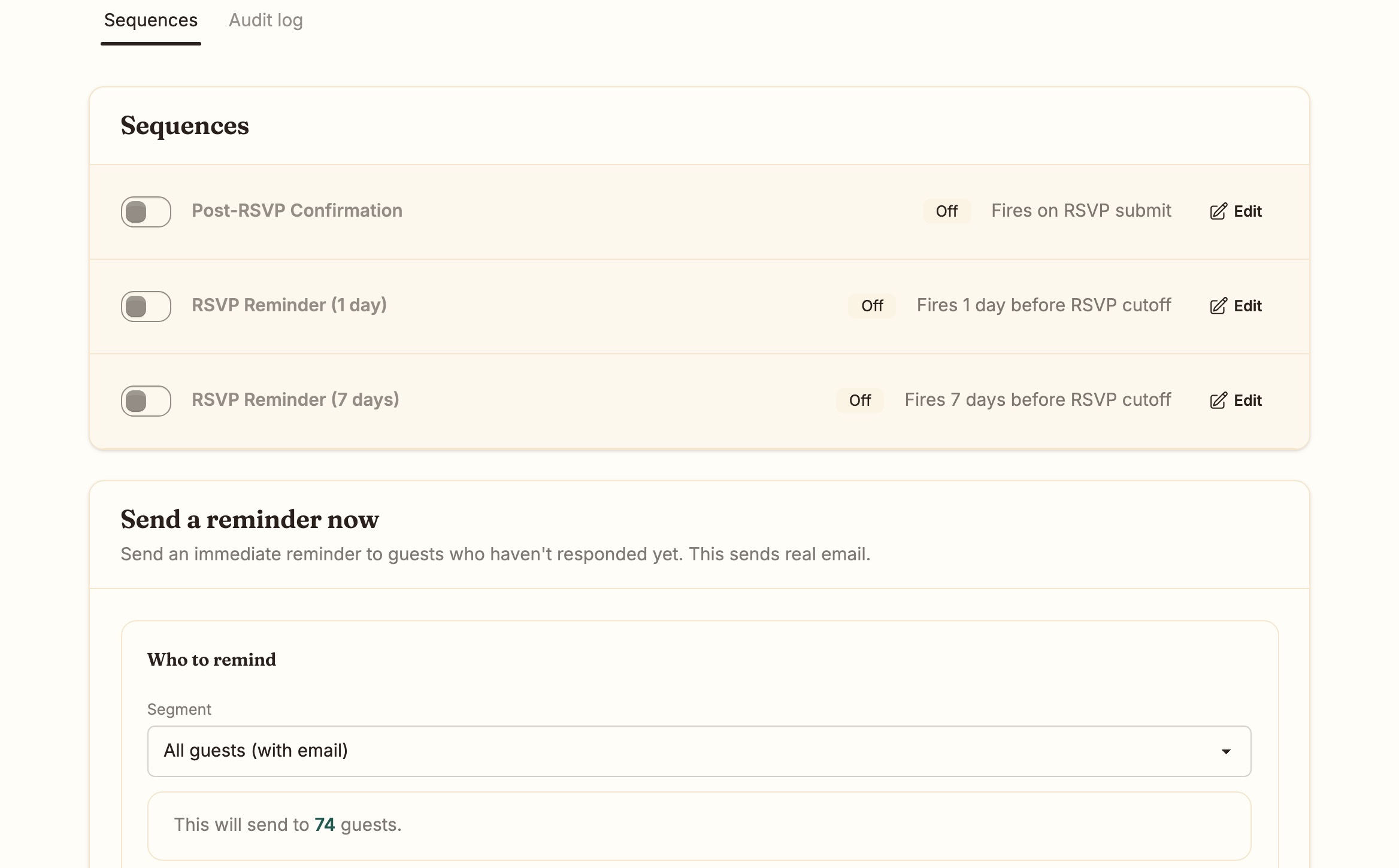
Channels, stated honestly.
Email is the channel today, in full. WhatsApp works as copy-and-paste sharing now, and direct sending from Shuubh switches on once Meta verification clears.
Consent is per guest and per channel, with a one-click unsubscribe in every email.
Common questions.
Can I text guests?
Not from Shuubh. Email is live today. WhatsApp direct sending follows once Meta verification clears. There is no SMS.
Will a household in two segments get two emails?
No. Each send is written once per recipient, so one household gets one message.
Can guests unsubscribe?
Yes, in one click from any email. Shuubh honours it for every later send.