You got an invitation. Here is how it works.
One link or one code per household. No account, no password, no app to install.
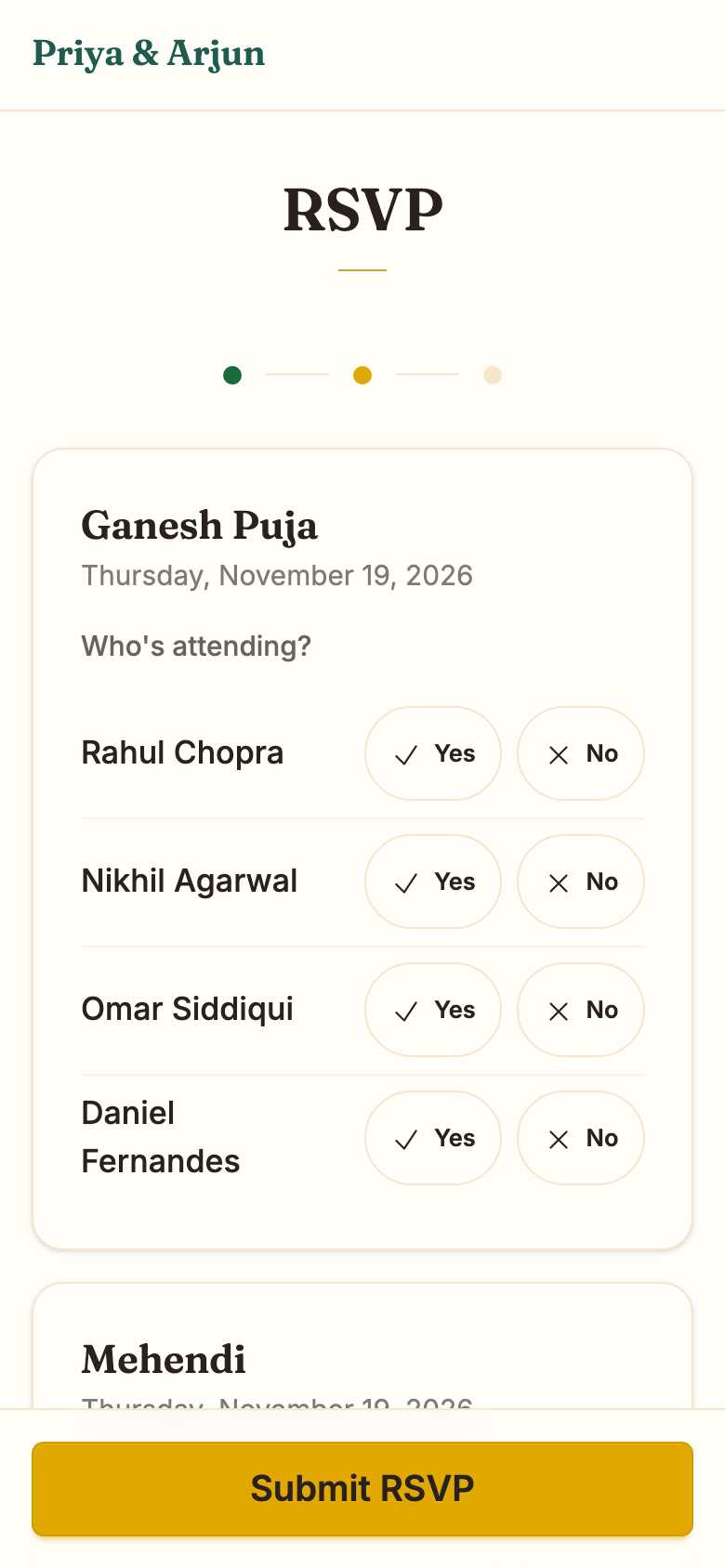
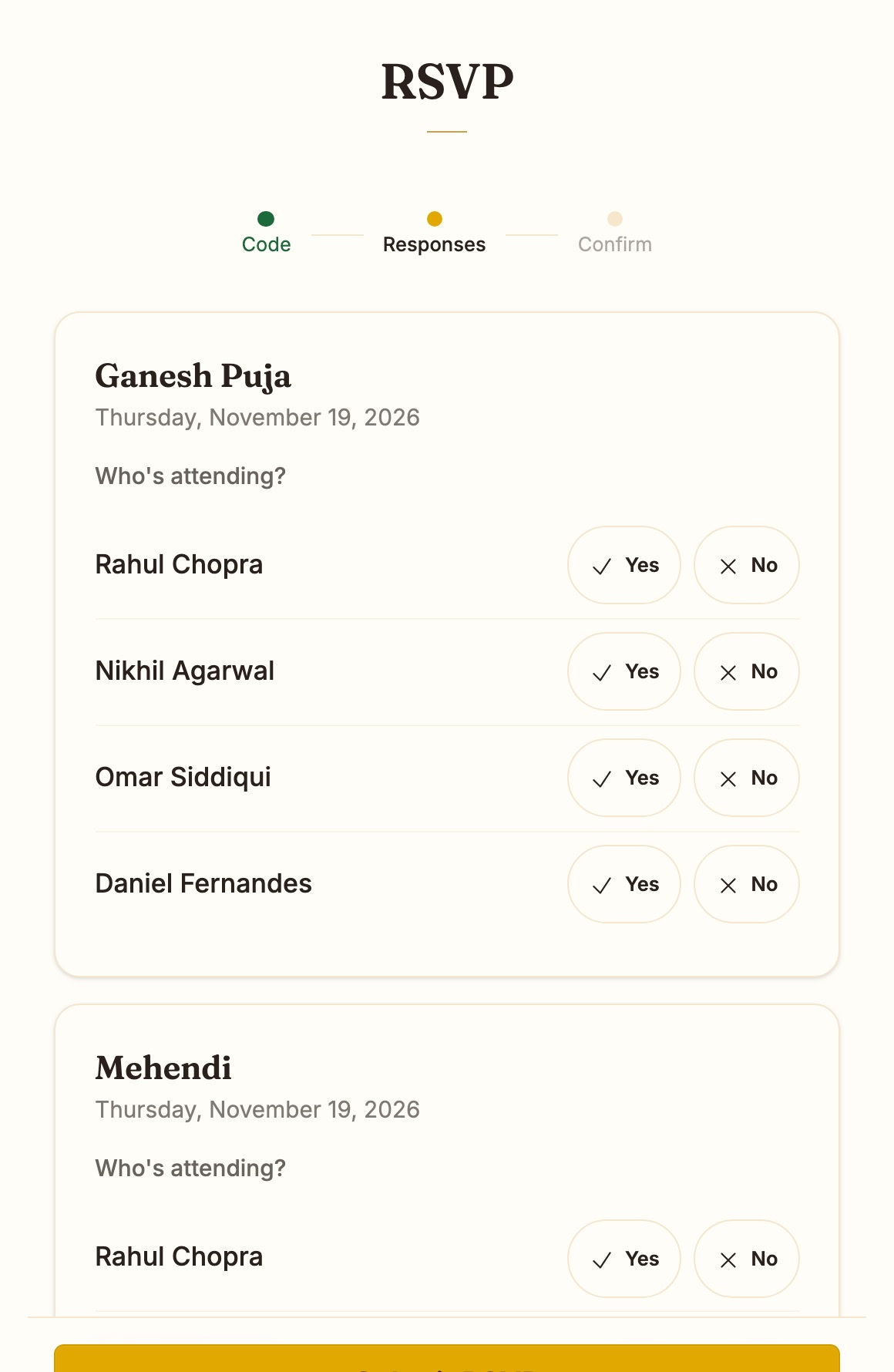
Reply for your household, event by event.
Open the link in your invitation, or enter the code on the couple's RSVP page. You will see each event your household is invited to, with a yes or no for each person.
Answer the dietary or custom questions once. Submit, and you are done.
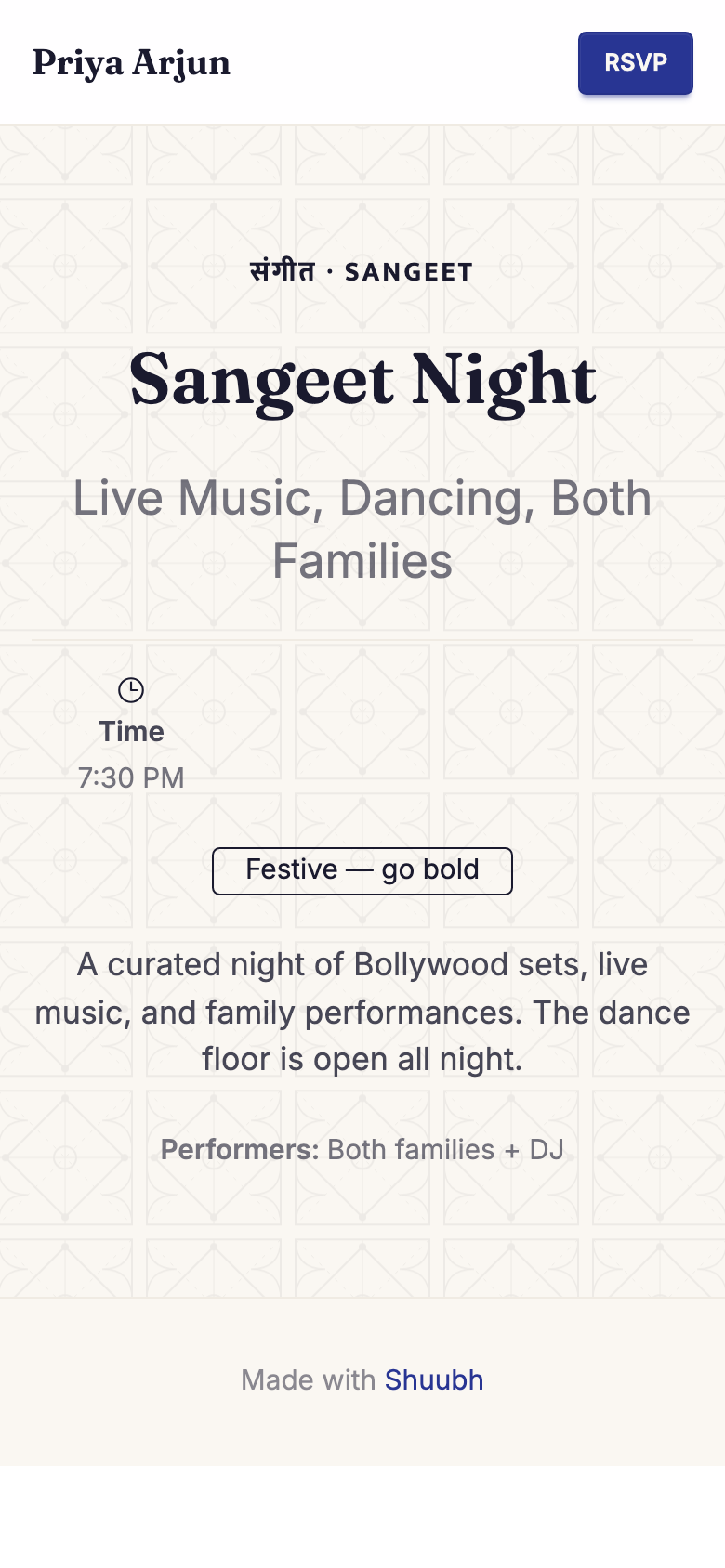
See only what you were invited to.
The wedding site and the RSVP page show your events and nobody else's. If you are not on the Haldi list, the Haldi does not appear.
Lost the link? Search by the couple's first names.
Find your invitation →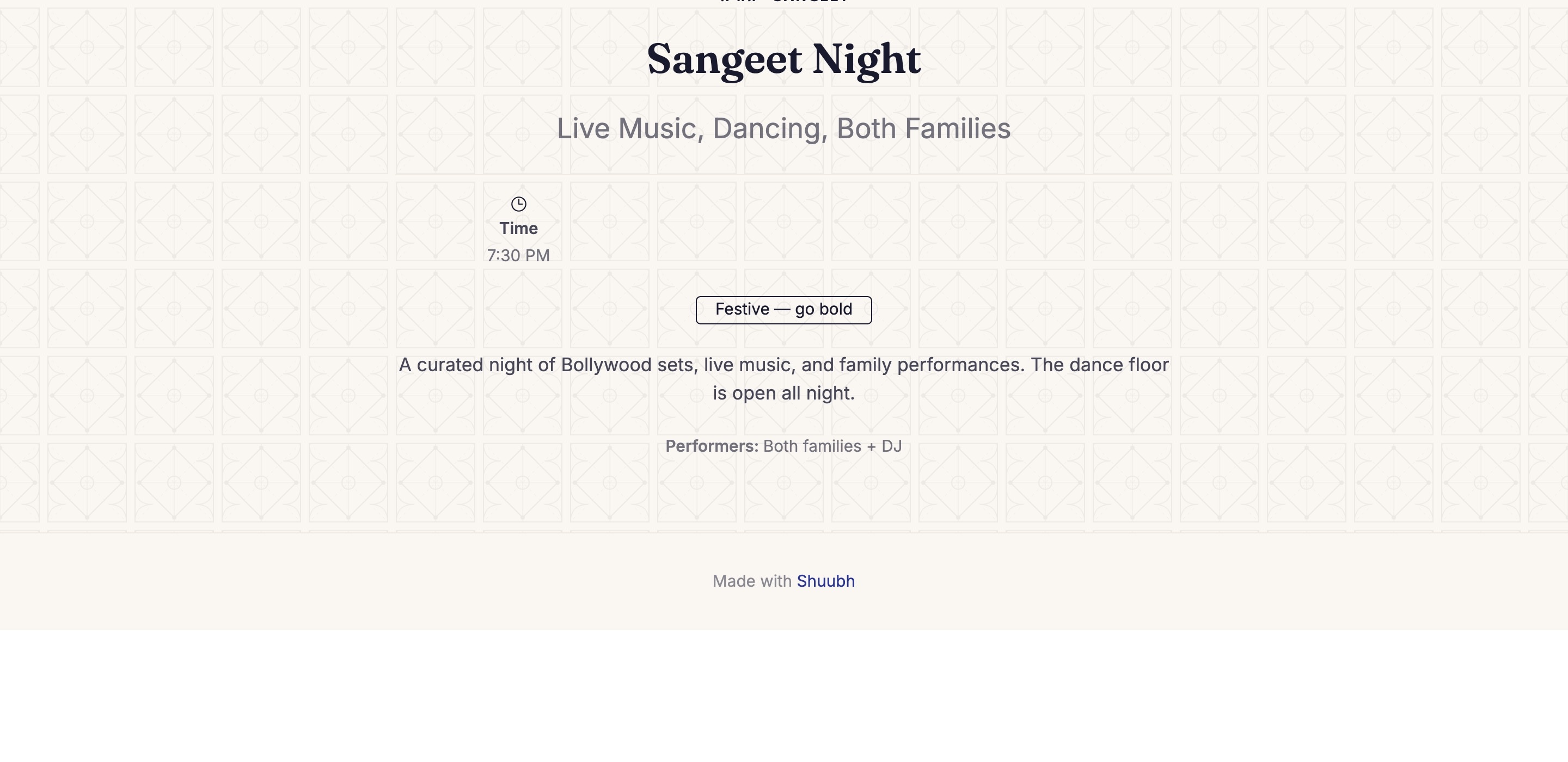
Your privacy.
The couple, and the family members they invite to help, see your replies and details. Other guests never do.
Your details are used to run this wedding, never sold, never shared for marketing. Every email has an unsubscribe link, and your access code stops working when the couple closes RSVP.
How Shuubh protects it →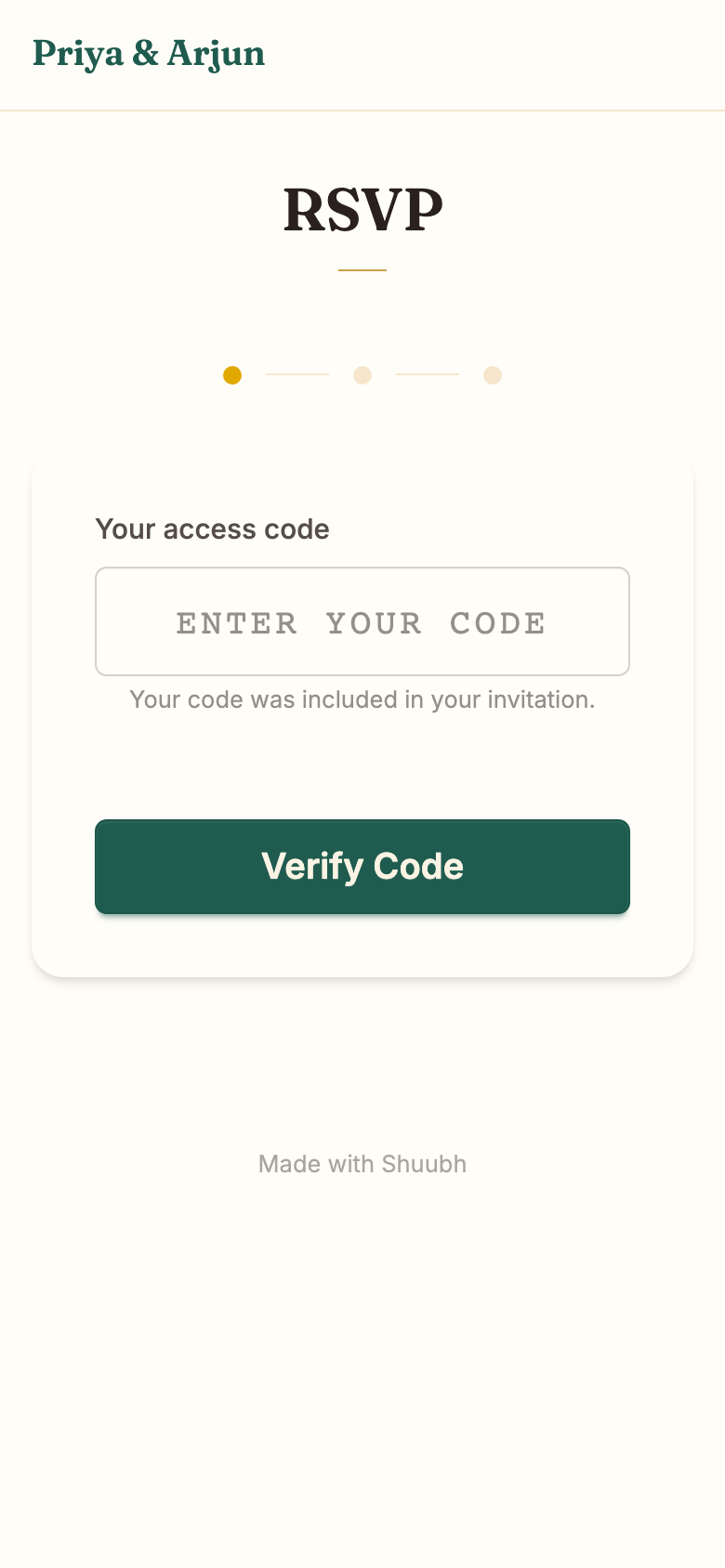
Common questions.
Do I need to download anything?
No. Everything works in the browser on your phone or laptop.
Who sees my dietary note?
The couple and the people they have given access to. Not other guests.
I lost my link and my code.
Use Find your invitation with the couple's first names, or ask the couple to resend your invitation.